

Agontorm
McMeddon
No world matches that. Drop a tag or search a broader name.
Loading worlds…


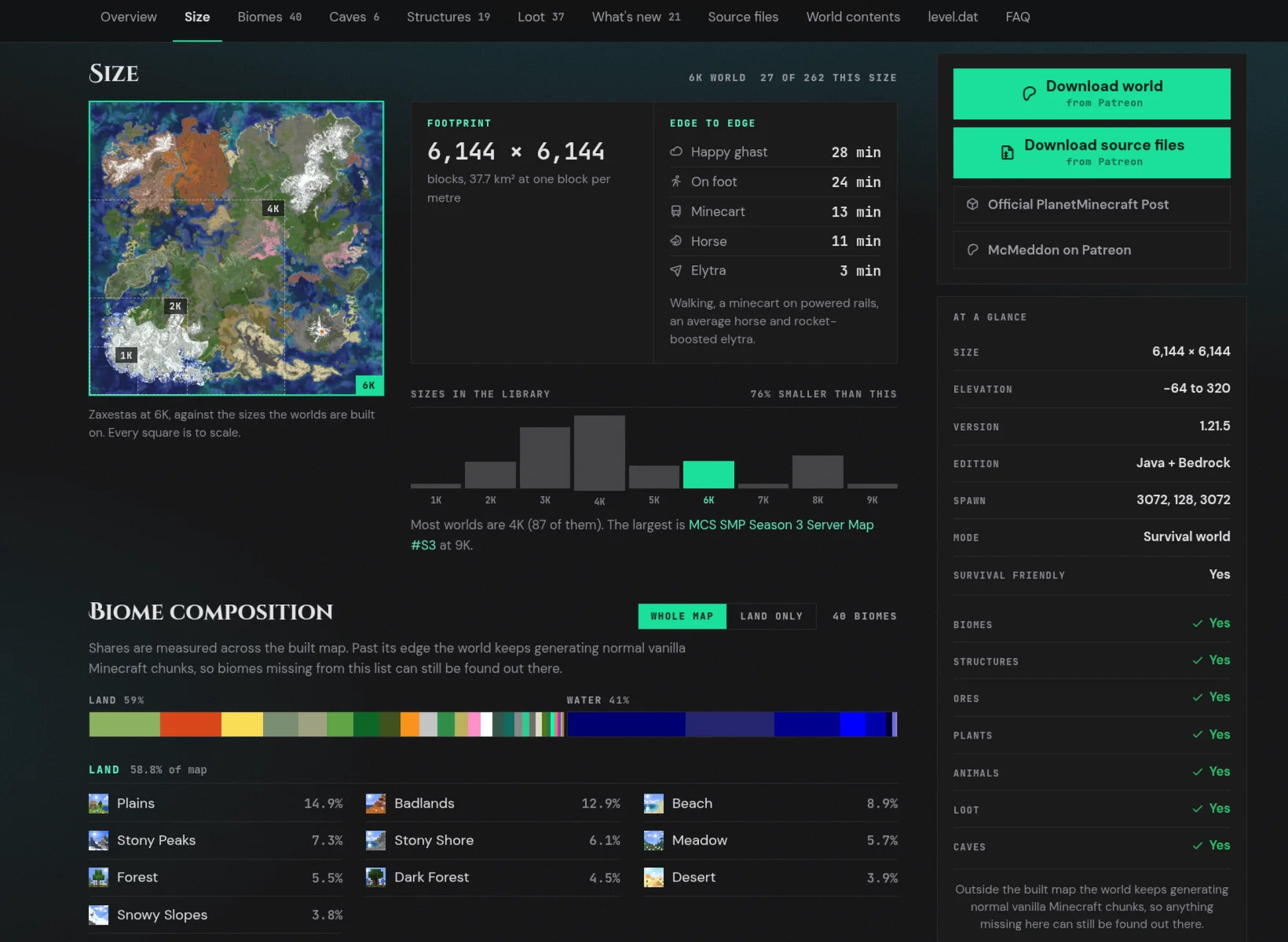
 Zaxestas Peaks, rivers & alpine meadows 6,144² blocks 1.21.5 View world
  Varlexos Distinct regions. Shared adventures. 8,192² blocks 1.21.5 View world
  Matabergon Canyons, mesas & mega oak forests 5,120² blocks 1.20.2 View world
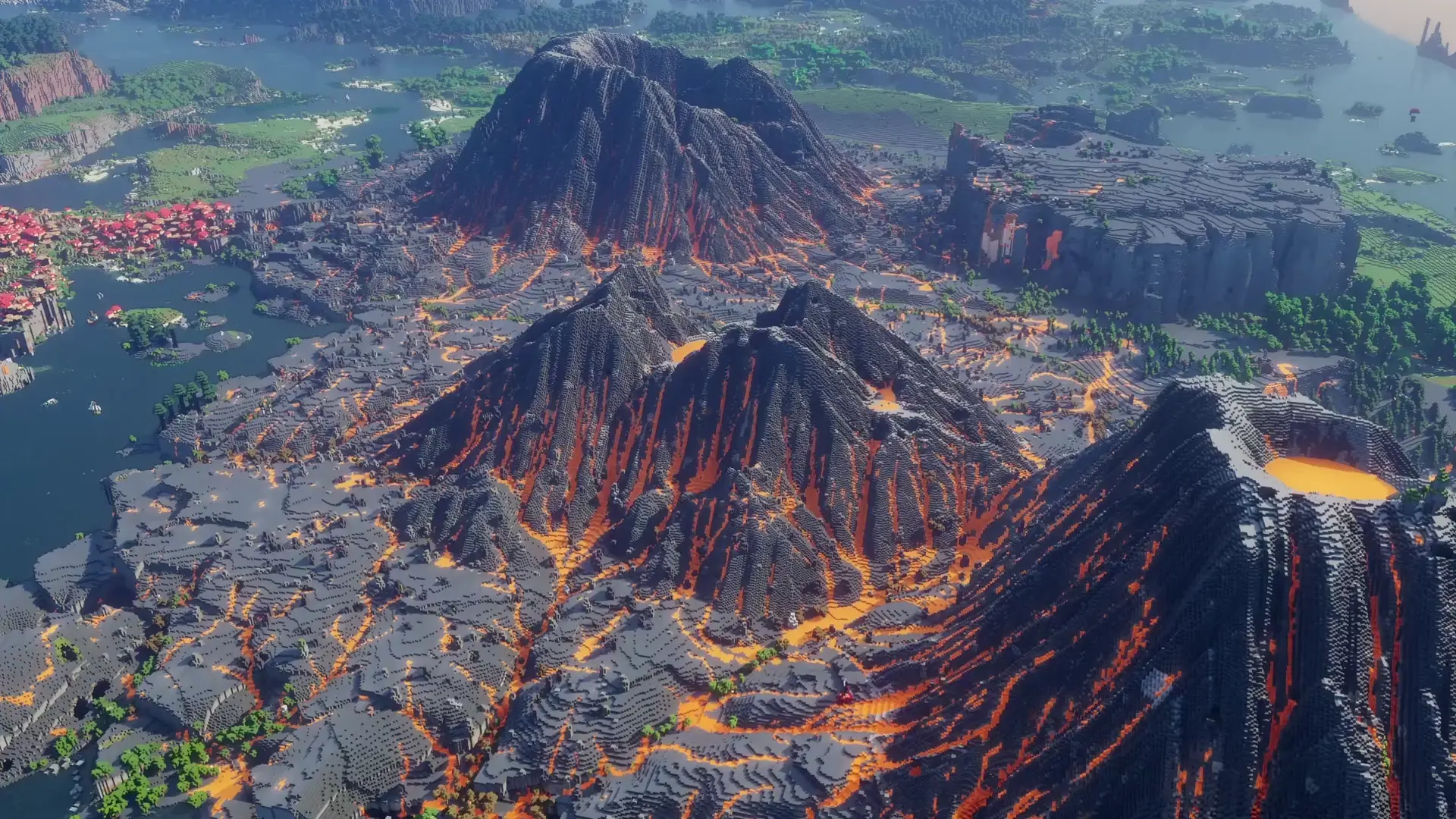
  Agontorm Mountain valleys & wide-open fields 6,145² blocks 1.21.5 View world
  Xarkoles Terraced mesas, cliffs & lush valleys 6,144² blocks 1.21.5 View world
  Taheimia A wooded plateau within a mountain ring 8,192² blocks 1.21.5 View world
  Soroterros Arctic lands, open plains & caldera volcanoes 8,192² blocks 1.21.5 View world
  Xaroterra Two continents, alpine peaks & flowerfields 8,192² blocks 1.21 View world
  Jarmusto Island chains & a sweeping mountain crescent 6,145² blocks 1.20.2 View world
01 · The creator
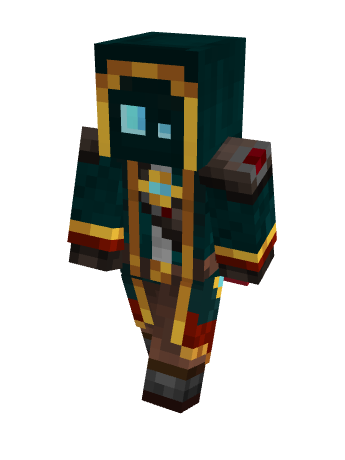
I'm McMeddon, a landscape/map maker with a focus on semi real worlds, by combining realworld concepts and fitting them into Minecraft, to create stunning, interessting and hopefully useful worlds for people to experience.
I've been creating worlds since 2020, no wait, technically even as far back as in 2013..14. I build, develope and evolve my worlds from project to project, always trying to improve and evolve my visions and concepts.
02 · How they are made
A peek behind the landscapes. Terrain takes shape in World Machine, then becomes a place to play.
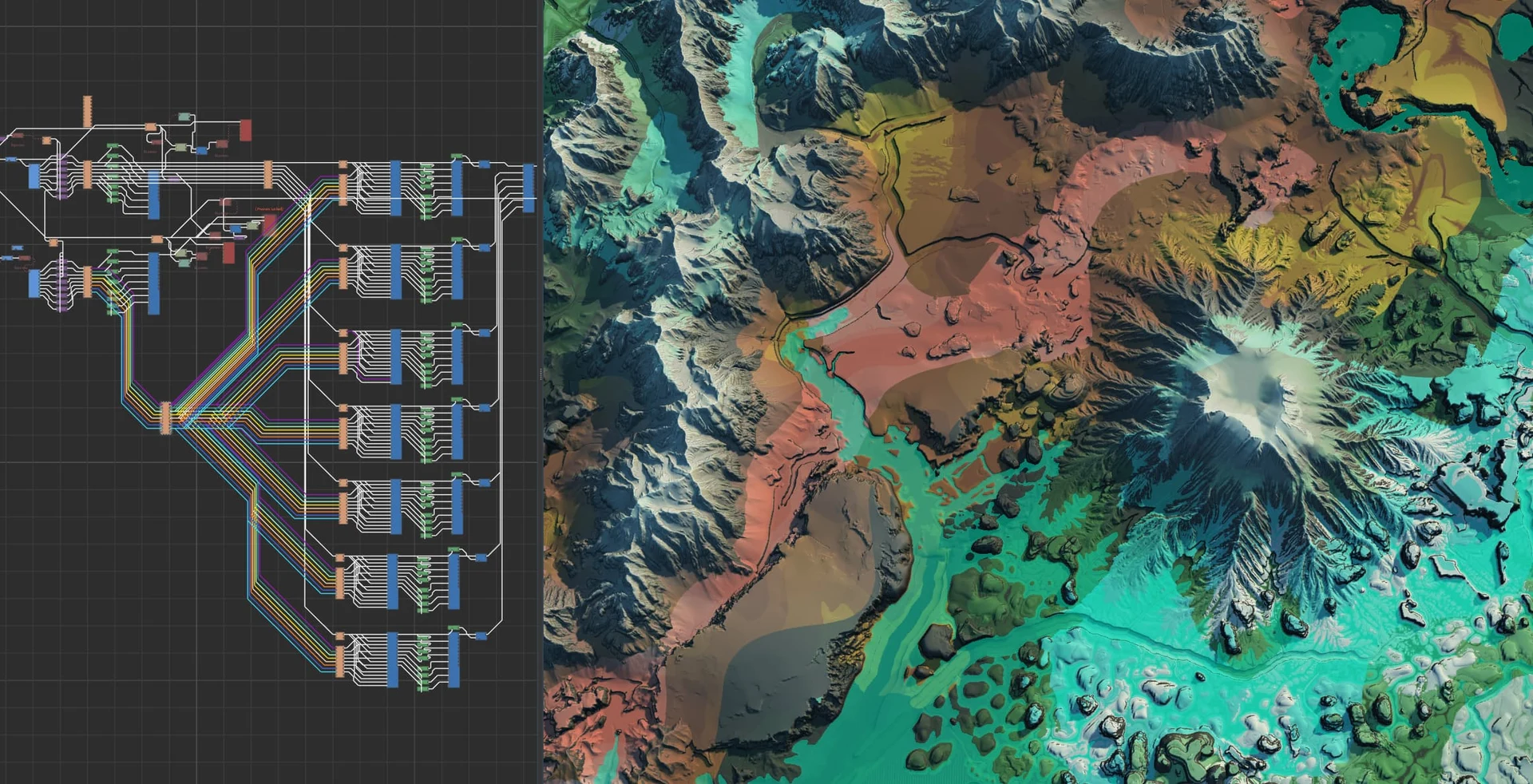
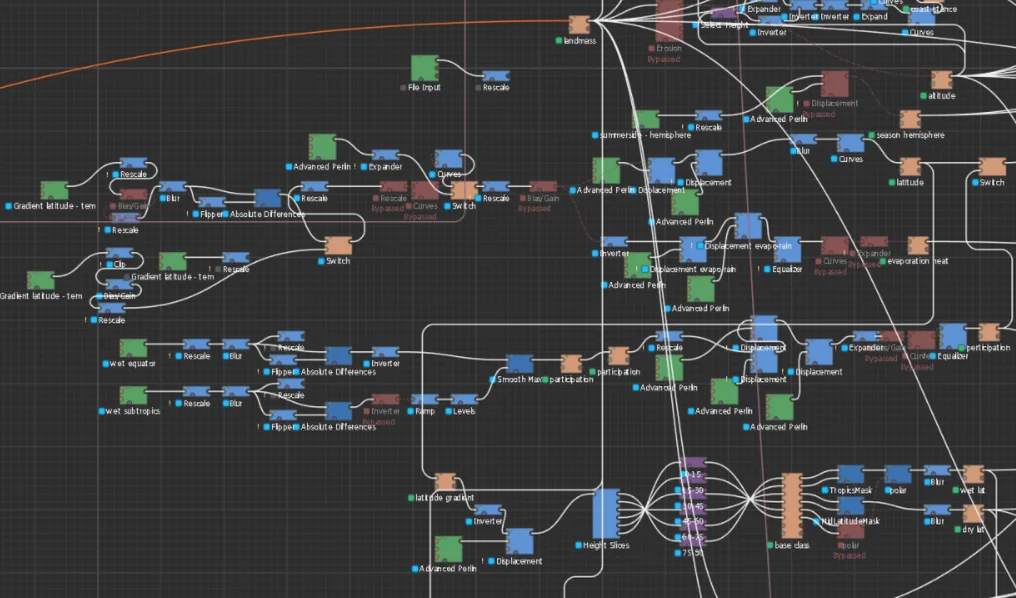
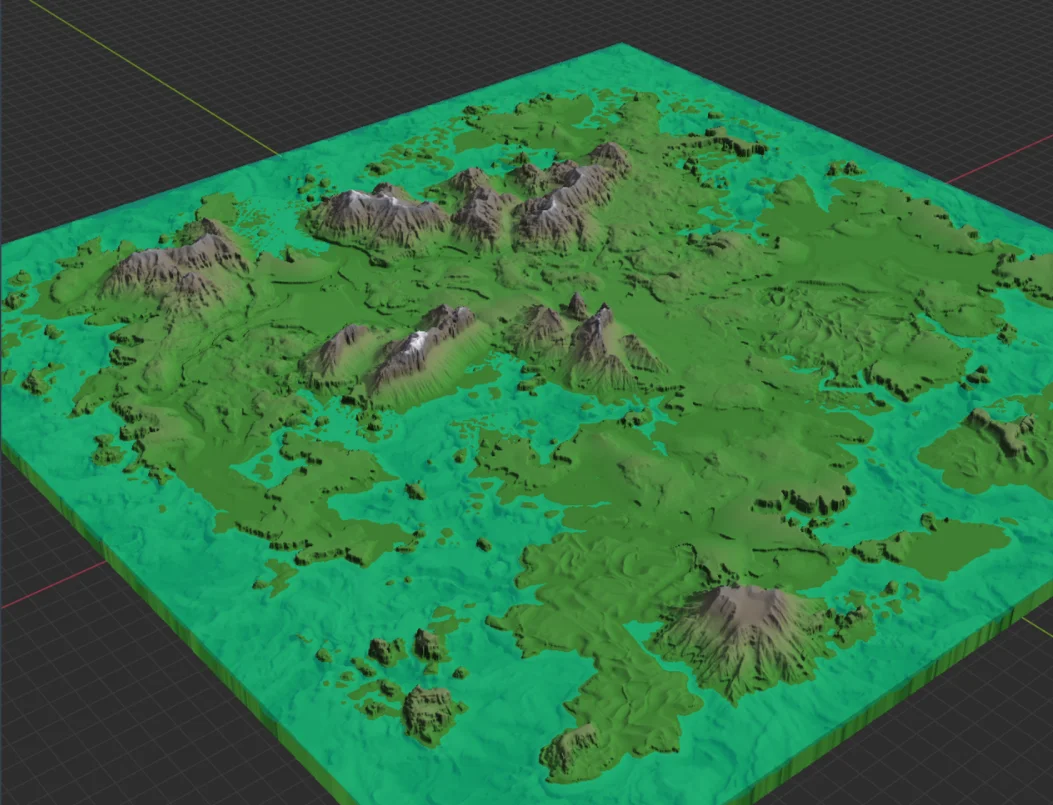
Heightmaps shape the mountains, valleys and riverbeds.
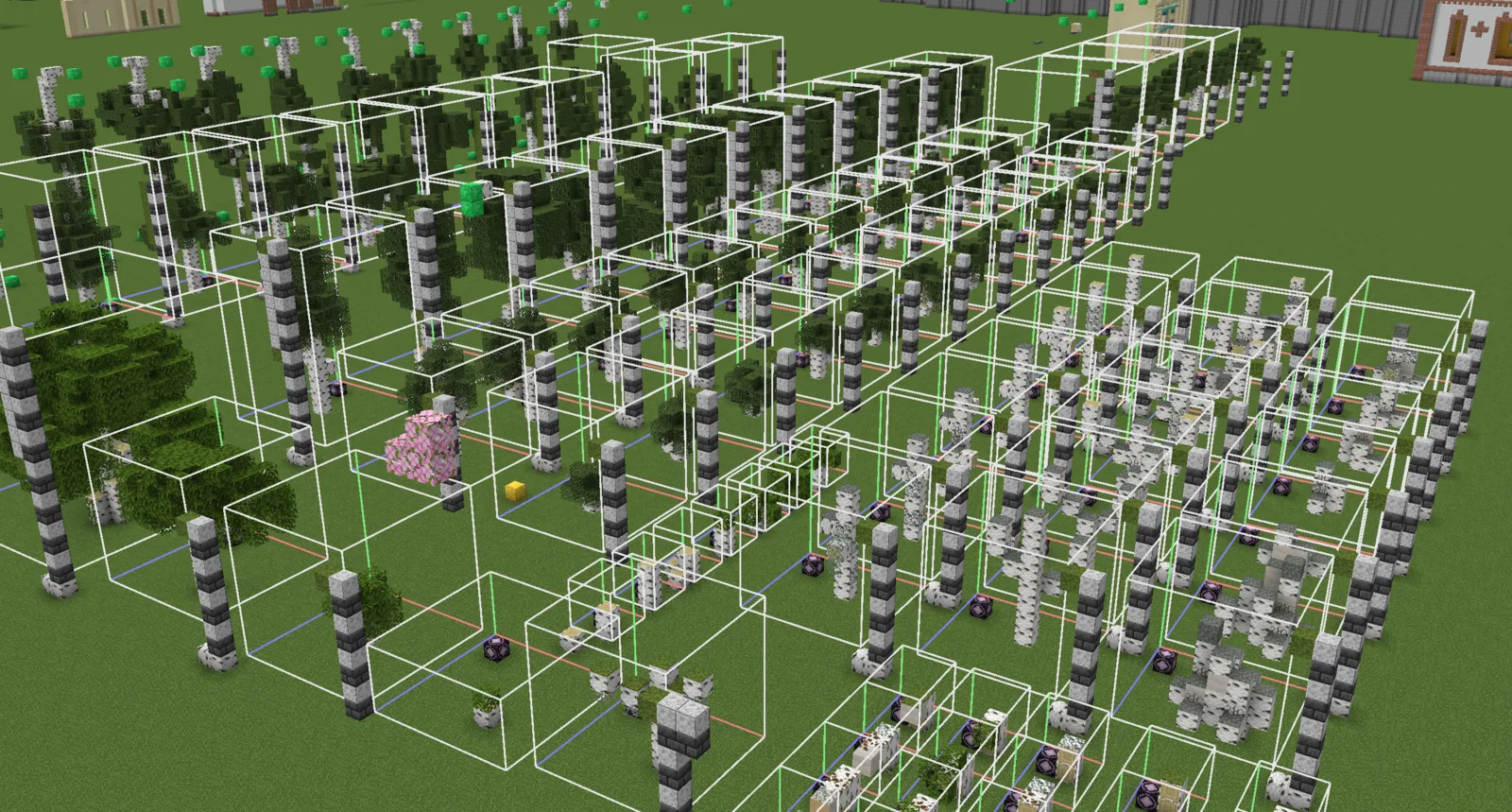
I build the trees, structures and small details that bring it to life, fitting for my vision of a survival world.
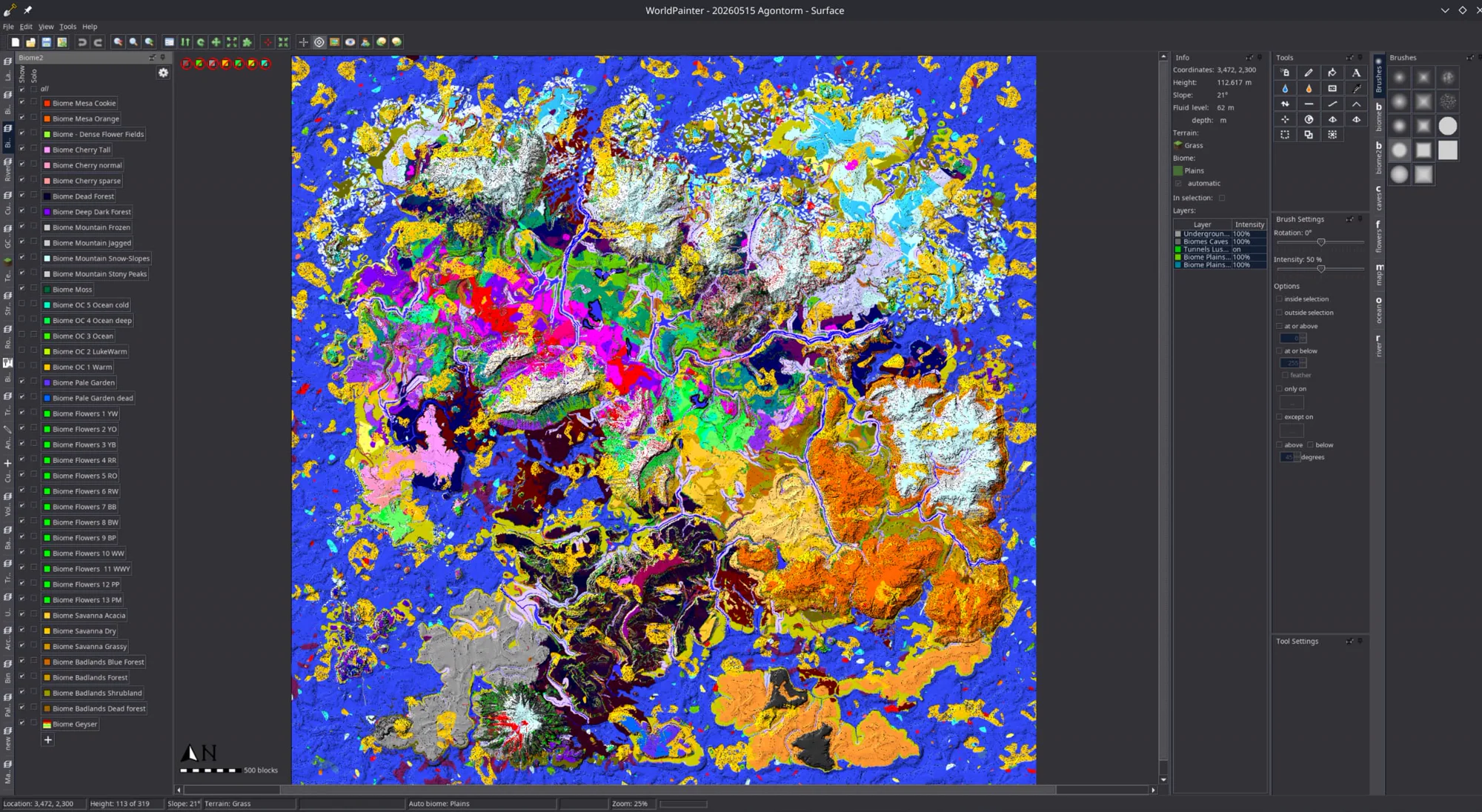
Terrain, biomes and builds come together, to be exported as new worlds.
03 · What is here
05 · That's the tour
McMeddon

McMeddon

McMeddon

McMeddon

McMeddon

McMeddon

McMeddon

McMeddon
Hello and welcome! First time? Let me get you introduced to all of this! This is my world library of my custom Minecraft worlds, with data and 3D viewers for every world. Not perfect, but my best attempt to give you tools to view, inspect and explore these worlds. Hopefully in helpful, fun, and useful ways. Enjoy exploring! - McMeddon